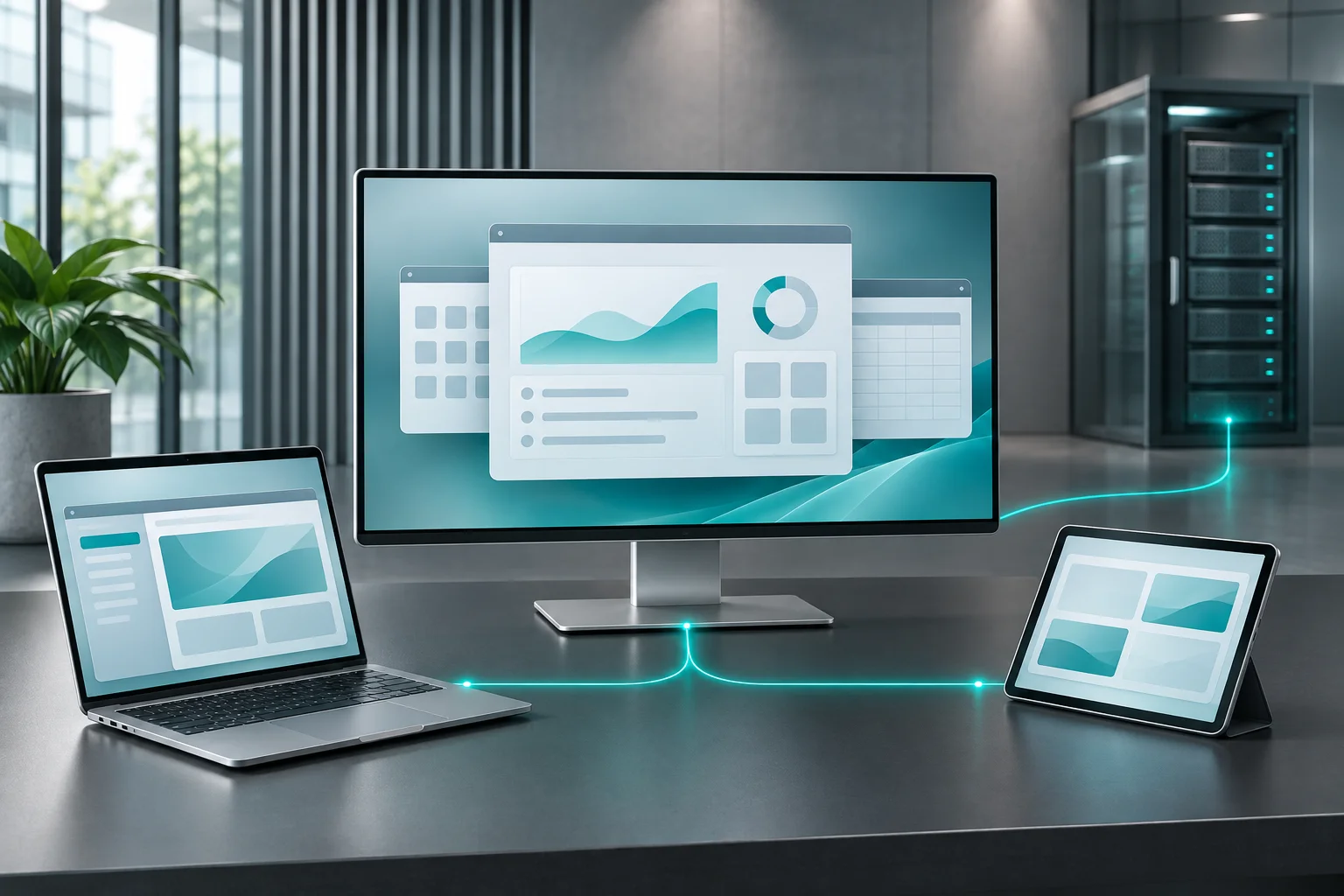
Where remote access, applications & desktops helps

Published applications, terminal sessions and complete desktop workspaces

Browser, native-client and thin-client access assessed for your endpoints

Identity, session policies, data controls and operational monitoring

Platform selection, compatibility testing and controlled rollout

Remote Access, Applications & Desktops

The right workspace for each role

Choose how applications and desktops reach your users

Start with the work people need to complete. The delivery model determines the user experience, infrastructure, isolation, application compatibility and ongoing management effort.

Published applications

Give a user access to selected business applications running on central infrastructure. Define the applications, data sources, file handling and peripheral requirements for each role, then validate the complete working process.

Suited to: Teams that need a defined application set without a full remote workspace.

Terminal services & shared sessions

Provide separate user sessions on shared session-host infrastructure, including access from supported thin clients or other managed endpoints. Assess application behavior, session isolation and peak concurrent use before sizing the environment.

Suited to: Task-based operations, shared terminals, branch teams and centrally managed business applications.

Virtual & hosted desktops

Deliver a complete desktop workspace where the role requires broader application access, a distinct user environment or dedicated resources. Assess pooled and assigned desktops against compatibility, profile, isolation and support requirements.

Suited to: Roles needing a complete workspace, workload separation or more specialized desktop requirements.


Connected work across locations

Remote access built around the application workflow

Branch & distributed operations

Connect staff to centrally managed applications and records across locations. Test the workflows, connection conditions and device types used by each branch.

ERP, accounting & line-of-business applications

Make supported business applications available to authorized users without assuming every application supports multi-user hosting. Validate database connectivity, add-ons, reporting and the application vendor's licensing conditions.

Shared terminals & thin-client environments

Standardize access for task-based workstations. Plan sign-in, session separation, automatic lock or logoff, peripheral access and the handling of shared endpoint devices.

Remote teams & controlled third-party access

Define the applications and resources available to employees, contractors or partners. Use named identities, time-bound access where appropriate and an auditable process for granting and removing access.

Architecture, compatibility & operating controls

Design the complete access environment

Connect users through a defined access path, establish where applications and data reside, and test the controls that matter to your operation. The platform is selected against those requirements.

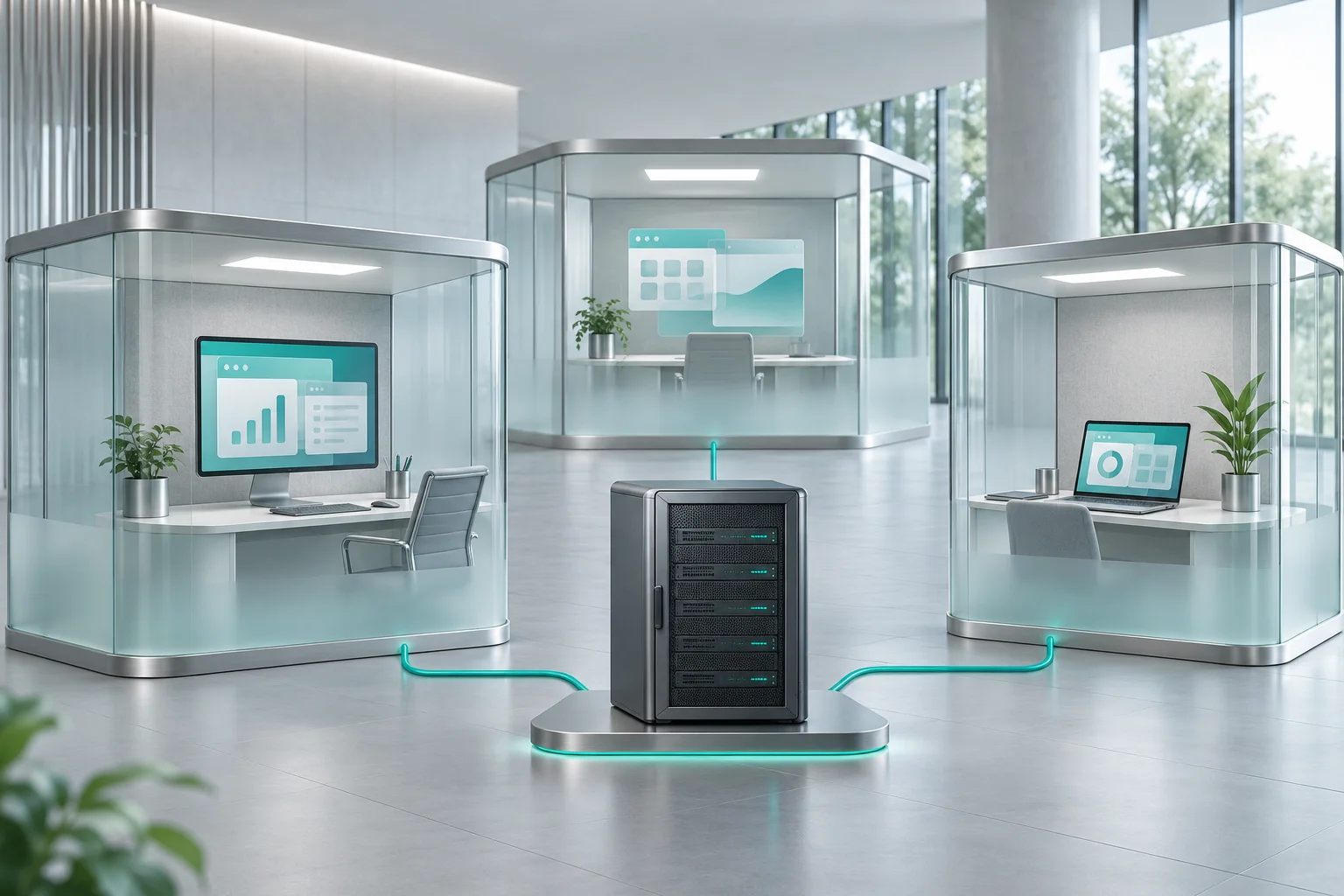
Illustration of centralized computing delivering separate application workspaces to connected endpoints

Identity & access gateway

Integrate the selected access model with your identity environment. Design authentication, multi-factor controls where supported, role assignments and session policies. Scope access gateways and certificates rather than exposing session hosts directly as a default.

Applications, desktops & profiles

Define the host configuration, application packages, user profiles and data locations. Agree how updates are tested and released, how sessions reconnect and how user state is retained or reset.

Endpoints, connectivity & peripherals

Evaluate supported browser, native-client and thin-client options against actual endpoint platforms. Test printing, scanning, multi-monitor use and required device redirection alongside latency and connection stability.

Data controls & operations

Set policies for clipboard use, file transfer, local drive mapping and printing. Document logs, access reviews, patching, monitoring, backup and recovery responsibilities, and verify the controls available in the selected platform.

From assessment to a working environment

Validate the workspace before rollout

  1. Assess users & workloads

    Inventory applications, user roles, concurrent sessions, endpoint devices, network conditions and peripheral dependencies. Identify application, operating-system and access licensing requirements.

  2. Select the delivery architecture

    Compare application publishing, shared sessions and virtual desktops against the workload. Choose a suitable platform and hosting model, with documented compatibility assumptions and operational responsibilities.

  3. Pilot real working sessions

    Test sign-in, launch time, application behavior, profiles, printing and reconnection with representative users. Include peak concurrency, a failed host or connection, and the recovery process.

  4. Deploy & operate

    Roll out in controlled stages with user guidance, support handover and a change plan. Monitor capacity, failed connections, session quality and application issues as usage evolves.

Prepare for technical discovery

Bring the application and user requirements

  • Application inventory, versions and licensing conditions
  • User groups, expected concurrency and operating schedules
  • Endpoint platforms, browser/client requirements and thin clients
  • Printing, scanning, local storage and other device dependencies
  • Identity, access policies, data handling and audit requirements
  • Hosting, availability, backup and recovery expectations

Acceptance & operational readiness

Measure the working session

Agree representative users and workflows, then evaluate sign-in, application launch, user-state persistence, printing and session reconnection. Test the proposed peak concurrency and document recovery behavior.

The result should be an approved configuration, verified compatibility, a capacity baseline and a clear support handover.

Discuss your remote access requirements

Remote application and desktop access questions

How do you select the remote access platform?

We start with the applications, user roles, infrastructure and operating requirements. Platform selection follows compatibility testing, security and management needs, licensing conditions and the proposed support model. The service can be implemented using an appropriate solution rather than a fixed product catalogue.

Can users open applications without a complete remote desktop?

Application publishing can make selected applications available where the platform and application support that delivery model. We validate the application, data connections, printing and file workflows before recommending it.

Can we use browsers, existing computers or thin clients?

Those access methods can be assessed against the selected platform. Supported clients, browser capabilities and endpoint operating systems vary, so we test the devices and peripheral features your users actually need.

Will our existing applications work in shared sessions?

Compatibility is assessed per application and version. Some applications depend on particular operating-system behavior, machine-level settings, add-ons or licensing terms. Test those dependencies and concurrent-user behavior before moving production users.

Where can the environment be hosted?

On-premises, cloud and hybrid approaches can be considered around application dependencies, data location, latency and operational ownership. The design identifies where session hosts, desktops, profiles and application data run, and how users reach them.

How are data movement and user access controlled?

The architecture defines identity, role permissions, session controls and the allowed movement of files or clipboard data. Available controls are platform-dependent and must be configured and tested. Central hosting alone does not guarantee that data cannot be copied or printed.

What licensing and support should we plan for?

Review the selected access platform, operating systems, hosted applications and any user or device entitlements required by their vendors. The implementation scope should also define monitoring, patching, backup, incident response and responsibility for application issues.

How does this relate to remote IT support?

This service delivers users' applications and workspaces. A remote support service helps staff diagnose and resolve IT issues. The two can work together, with separate access permissions, responsibilities and operating procedures.